Getting started
Your world, from the first page.
Mythra is invitation-only during early access. If you have an invite code, here’s everything you need to get your world up and running.
Accept your invitation
Mythra is currently available by invitation only. When you receive your invite email, click the link inside to create your account. You'll choose a display name and password — that's all you need to get started. If you don't have an invite yet, you can request early access from the homepage.
Request early access →Create your world
Once you're in, Mythra will ask you to create your first world. Give it a name — this is the container for everything: your wiki, your manuscripts, your map, your plot. You can create multiple worlds later, or invite a collaborator to share one with you.
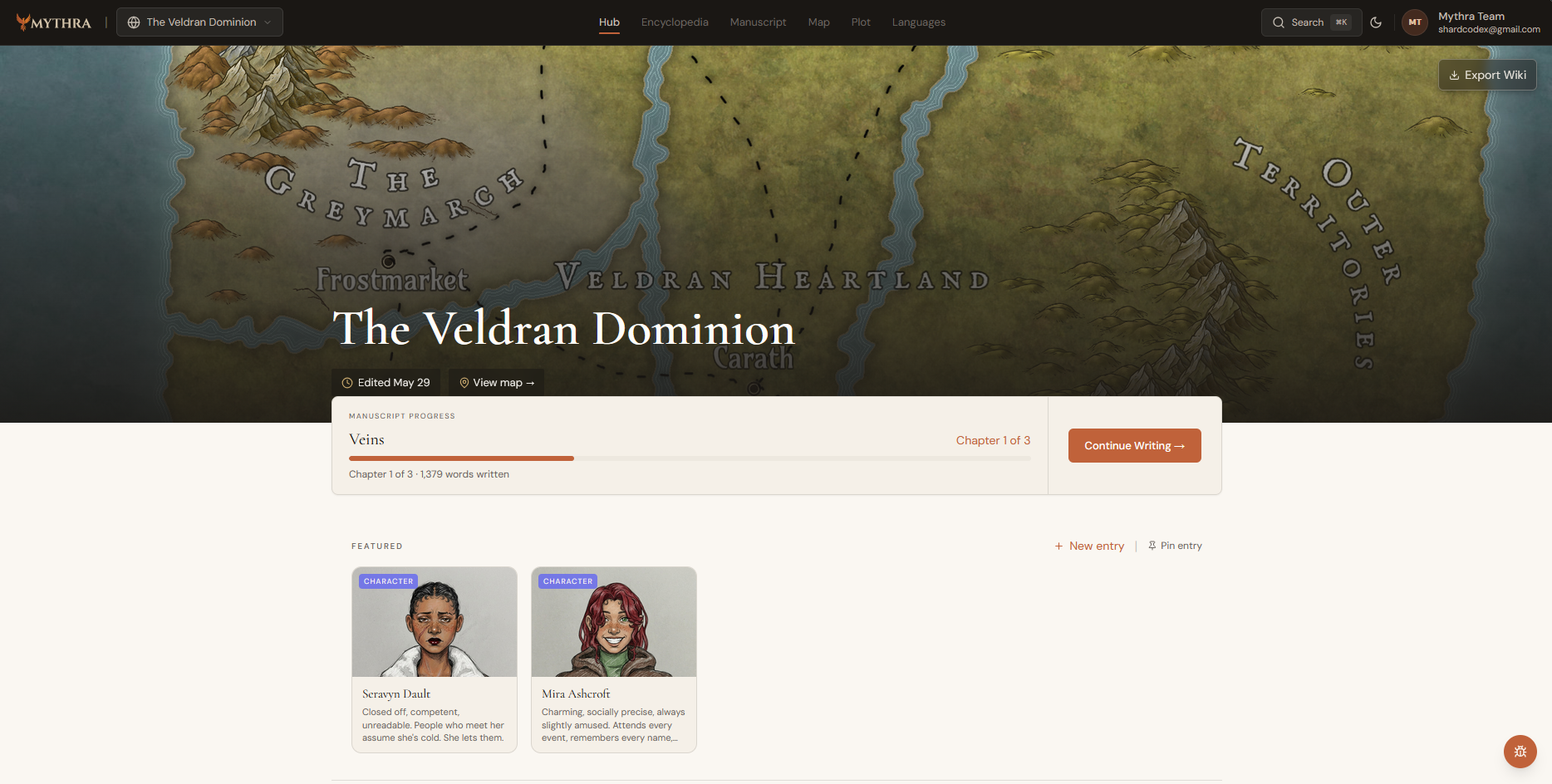
Build your encyclopedia
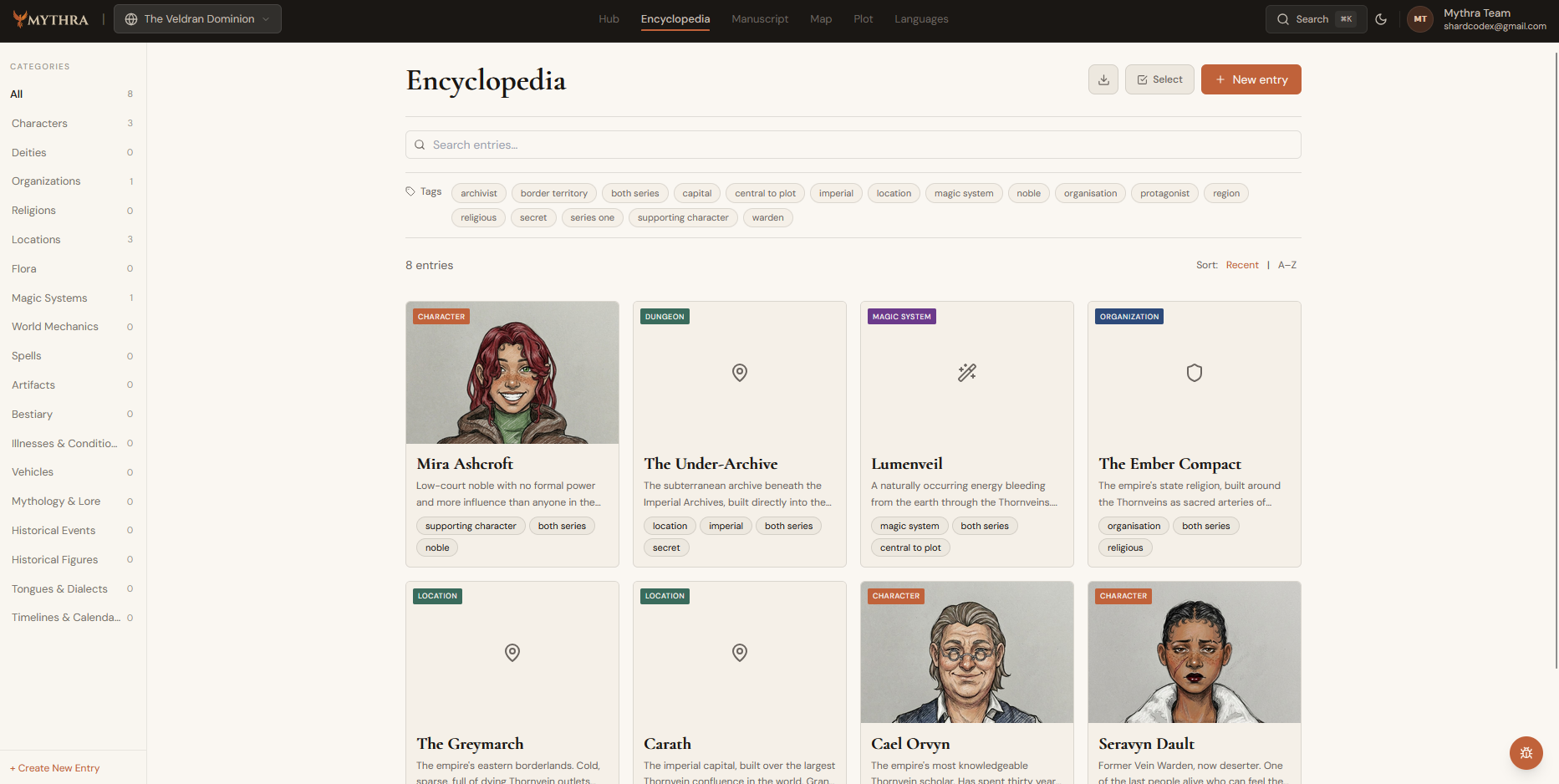
The Encyclopedia is where your world lives. Create entries for characters, locations, organizations, gods, magic systems, and more. Each entry type has structured fields designed for fiction writers — personality traits, motivations, relationships, history. Start with the entries that matter most to your story right now. You can always add more.
Write your manuscript
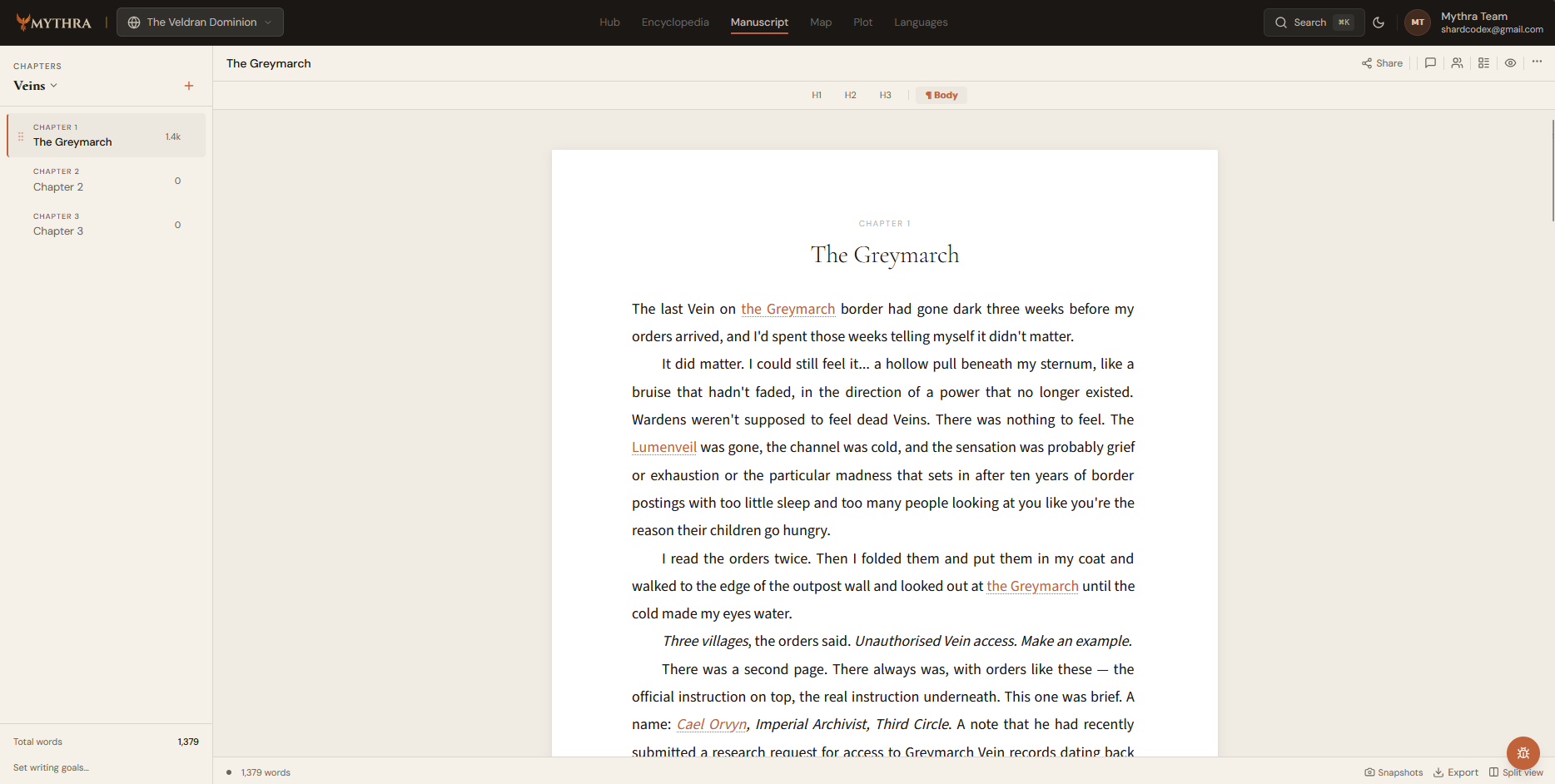
Head to Manuscript in the top nav to start writing. Create a new manuscript, add your first chapter, and start writing. As you type, you can @mention any wiki entry to link it inline — click a linked name while writing and the entry's details appear in a panel beside your prose, without leaving the editor.
Invite a collaborator
If you're writing with a co-author or building a shared world, go to World Settings and add them by email. You can assign them as a co-author (full access), editor (can edit wiki entries), or viewer (read-only). They'll receive an invitation and can join your world directly.
Learn about roles →